pinterest > coolors > quiltink

The Workflow

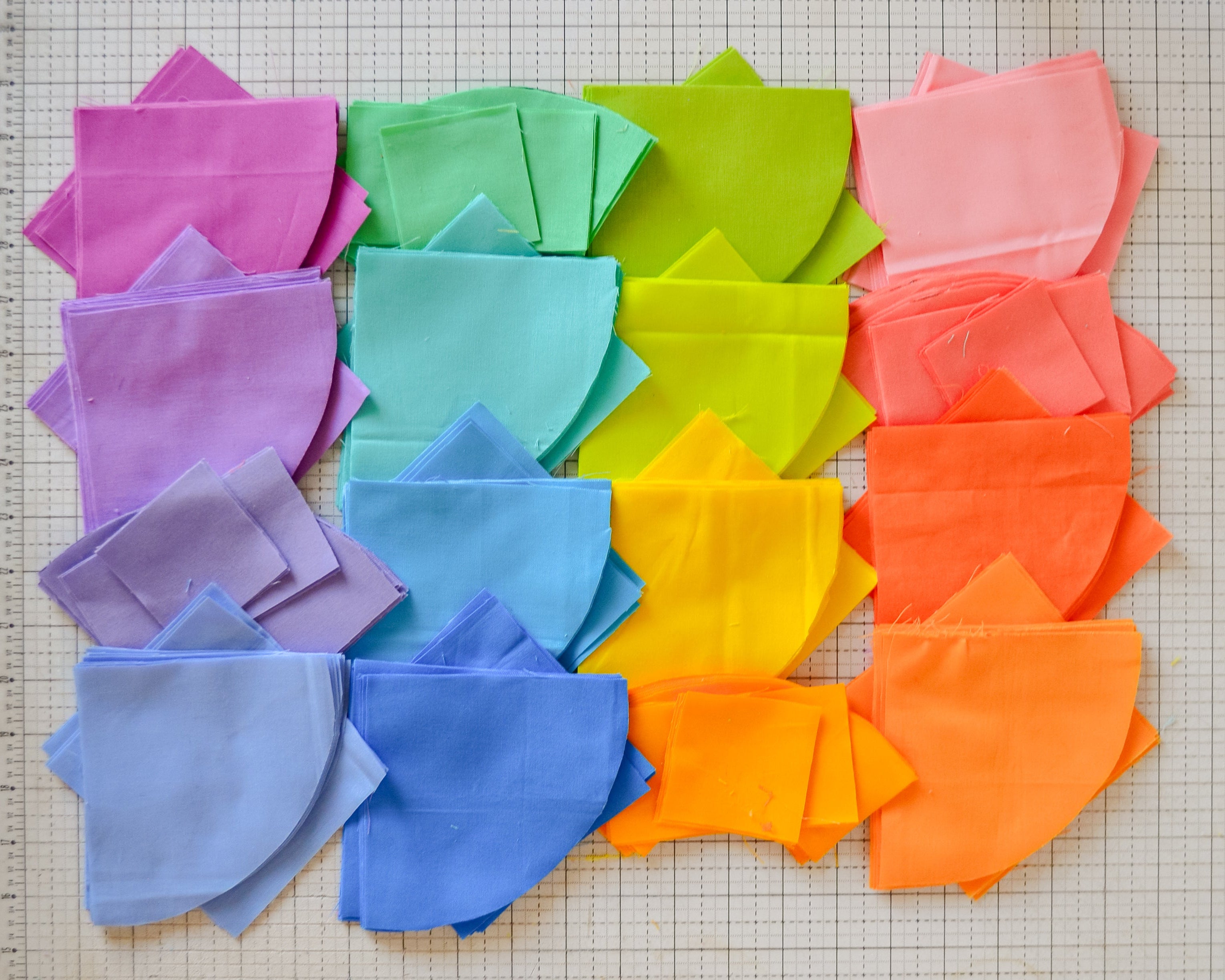
The photo below walks you through the full process—from choosing your inspiration image to creating a mock-up and finally turning your color palette into a digital quilt design. From there, you can bring it all together into a real quilt!


Why Finding Your Color Voice Matters

Your quilts start to feel like you – When you lean into your color voice, your quilts will carry a signature look that people recognize as yours, no matter what pattern you’re making.

Less second-guessing – Fabric pulls get way easier when you know what you love. Instead of stressing over every decision, you’ll start trusting your instincts.

Your quilts look more pulled together – Even if you go bold or unexpected, a clear color voice keeps everything feeling cohesive and intentional.

You can play and still feel grounded – Once you know your comfort zone, you can push yourself beyond it while still having a foundation to fall back on.


You’ll feel more connected to your work – Quilts that reflect your color voice are more personal and meaningful, which makes the process way more fun.
Section 1

mastering pinterest

mastering pinterest

A Step-by-Step Guide to Creating and Organizing Your Boards 🎨

In this video, I walk you through how Pinterest works, emphasizing how the algorithm tailors your feed based on your interactions. I demonstrate how to create a board for our Color Craft Workshop and add sections for color inspiration and palettes. I also explain how to save pins to your board and upload your own images later. Please make sure to follow along and set up your board as we will be using it throughout the workshop. Let's get creative!

mastering pinterest

Activity - Let's Get Pinning!

The first section we will be pinning content based off of the following prompts:

+ Happy / Nostalgic 😀

+ Dark & Moody 🔮

+ Natural & Earthy 🌿

+ Whimsical 🐇

+ Your Favorite Season 🍂

The key is to pin things that YOU find most fit that vibe. We're pinning based of the colorscheme of the photo and not necessarily the contents of the photo (i.e. you may find a puppy makes you happy but the colors of the photo itself may not bring you happiness).

Section 2

making our palettes

making our palettes

Using Coolors.co

Here’s a walkthrough on creating your very own color palettes using the pins you just saved to your inspiration board! We’ll start by exporting those pins (see the video above for instructions) and then upload them into Coolors.co to build custom palettes. You can watch the full tutorial on how to do it here.

Section 3

Making our quilt mock-ups

making our quilt mock-ups

Using QuiltInk

In this video, I'm guiding you through the process of creating quilt mock-ups using the palettes we developed. We'll start by visiting quilt-co-inc.com to access the Sky Cabin Quilt pattern and utilize the color palette feature to experiment with values. I specifically recommend using the Kona Cottons from Robert Kaufman for their extensive range. As we work through the color selections, I encourage you to match your own palettes with the quilt design. Please follow along and adjust the colors as you see fit to create your unique quilt mock-up.